
How to Create Viral Faceless AI Videos: A Beginner-Friendly Step-by-Step Guide
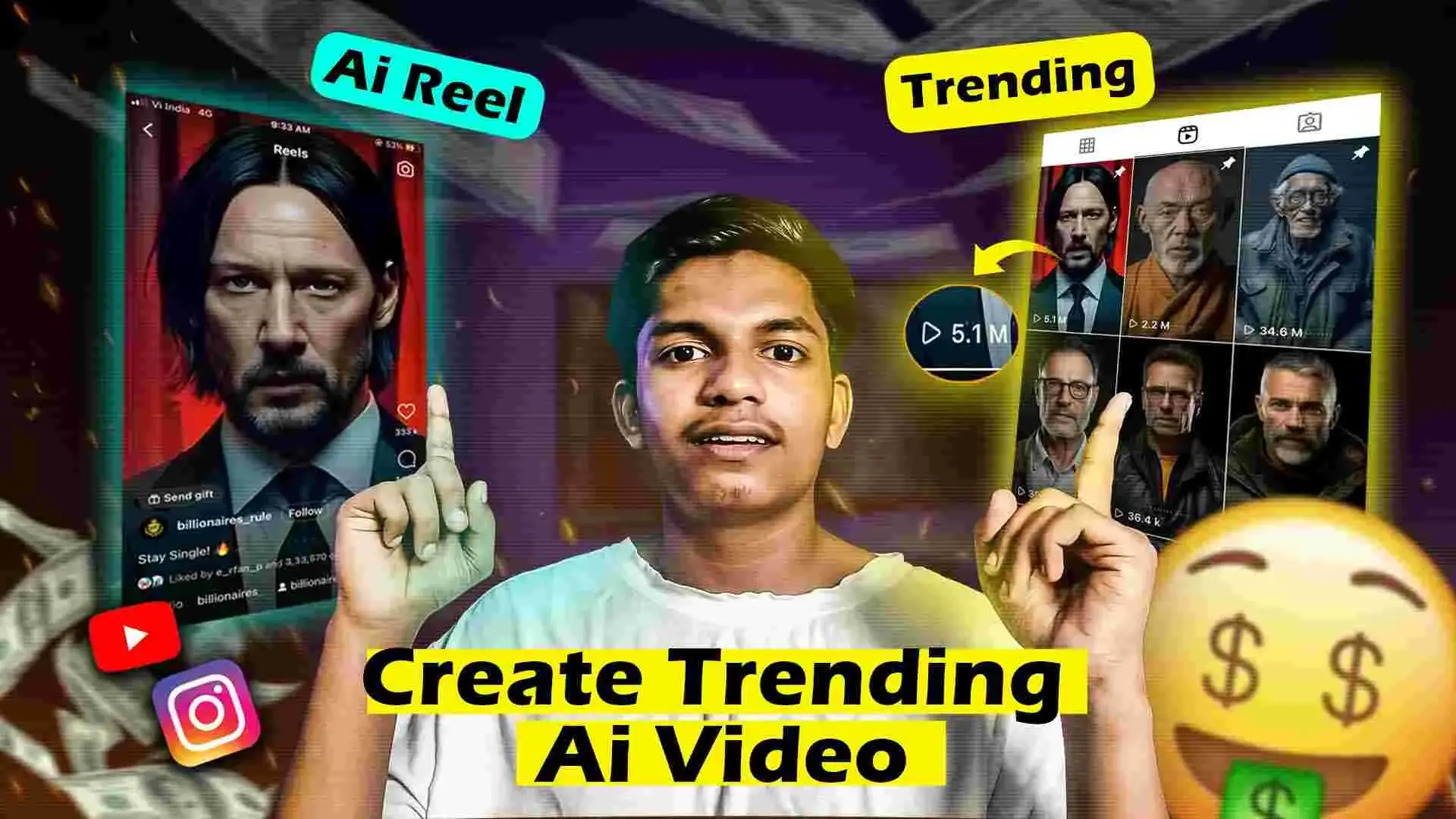
If you’ve scrolled through YouTube Shorts, Instagram Reels, or TikTok lately, chances are you’ve come across those slick, story-driven videos narrated by an AI voice — no faces, just visuals, text, and a powerful script. These faceless AI videos are exploding in popularity, and it’s easy to see why.
They’re fast to produce, low-cost, and insanely effective at grabbing attention. And the best part? You don’t need to be a video editing pro to make them.
In this guide, I’ll walk you through exactly how to make your own viral AI videos using simple tools — even if you’re just starting out with video editing tutorials or learning the After Effects basics.
Why Faceless AI Videos Are Taking Over
Let’s face it — not everyone wants to be on camera. That’s where faceless videos shine. They focus more on storytelling, motion graphics, and engaging visuals. Here’s why they’re gaining massive traction:
- They speak to a global audience – No language or culture barrier
- Easy to scale – Produce multiple videos quickly
- Low budget, high impact – No camera, crew, or fancy setup needed
- Privacy-friendly – Perfect if you prefer to stay anonymous
- Mystery factor – Viewers stay hooked without knowing who’s behind the screen
If you’re learning how to edit videos for YouTube or building content for Instagram or TikTok, this is a golden opportunity to stand out.
How to Make Viral AI Videos (No Experience Needed)
Here’s a five-step formula I’ve used (and seen others use successfully) to create faceless AI videos that rack up thousands — sometimes millions — of views.
Step 1: Write a Captivating Script
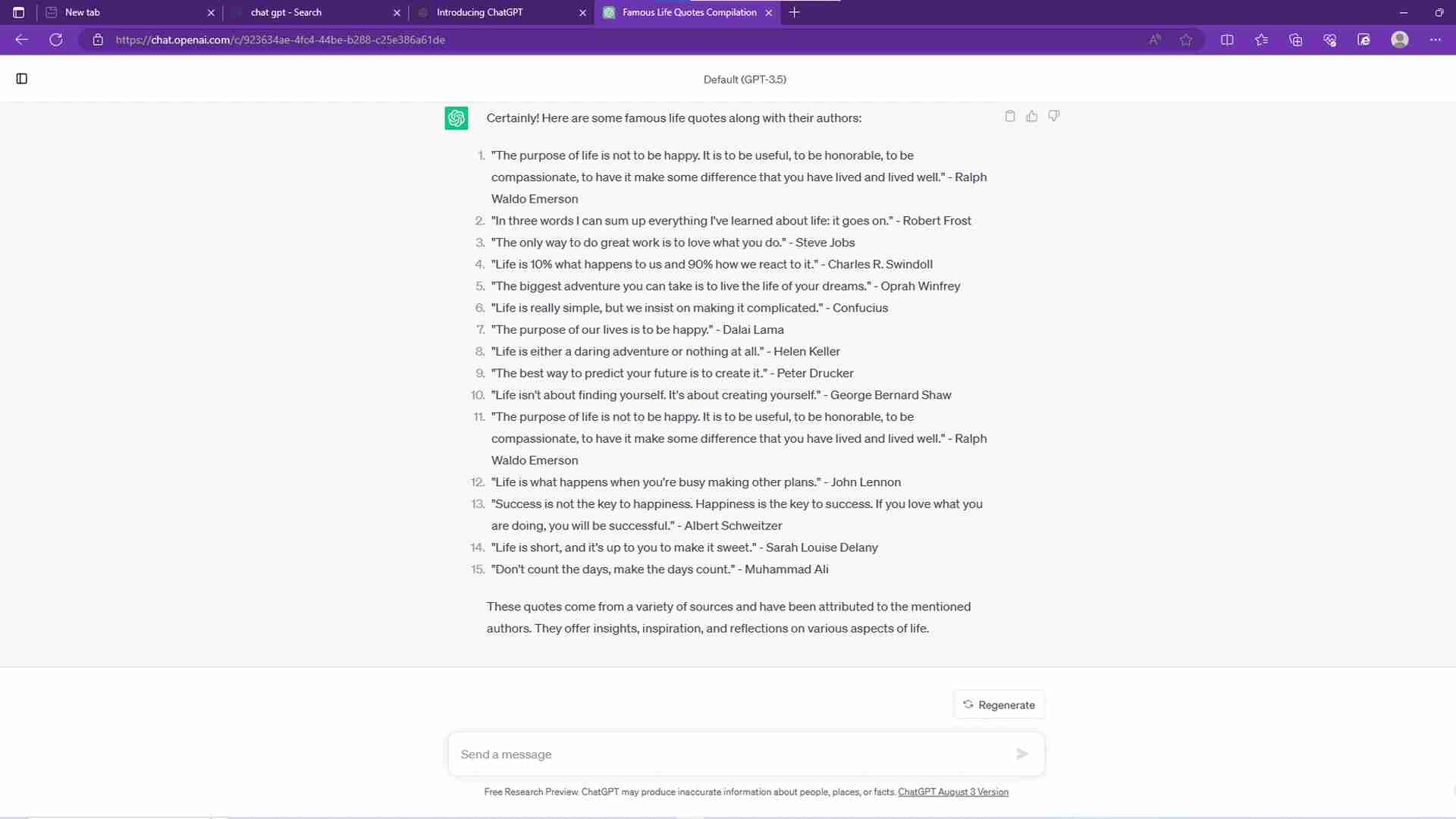
This is where your message comes to life. You don’t need to be a pro copywriter — just keep things clear, engaging, and easy to follow.
What to do:
- Use tools like ChatGPT to brainstorm ideas and structure your script
- Hook your audience in the first 5 seconds
- Talk about real problems or trending topics
- Keep your tone friendly, informative, and human
- End with a strong call-to-action
Pro Tip: Tailor your script length based on platform:
- YouTube Shorts = 60 seconds
- Instagram Reels = 90 seconds
- TikTok = 15–90 seconds
If you’re following a video editing tutorial for beginners, this step helps shape everything else.
Step 2: Design Your AI Character
This is the face (sort of) of your brand — the visual persona. You can use free or paid image generators to create one.
Top tools to try:
- Midjourney – For stylized, artistic designs
- Leonardo.ai – Great for character consistency
- DALL·E or Stable Diffusion – Excellent for creative flexibility
Design Tips:
- Keep your character style consistent across all videos
- Choose colors and looks that reflect your niche (e.g., tech, education, finance)
- Test different looks with your audience to see what resonates
Bonus: If you’re also learning design, this doubles as a fun design tutorial for beginners.
Step 3: Turn Text into Voice

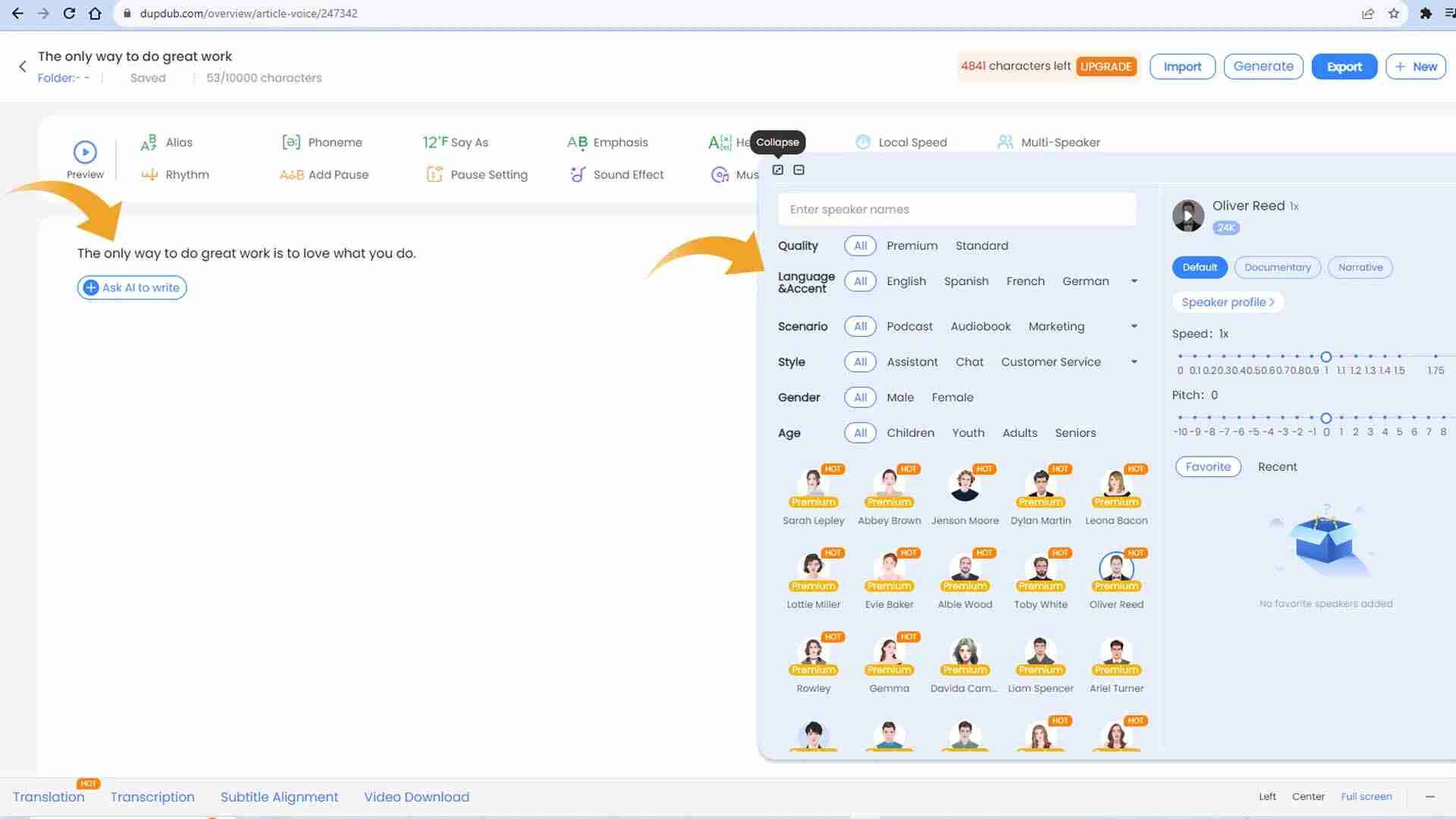
Narration gives your video personality — even if it’s computer-generated. But don’t settle for robotic audio. Use tools that offer emotion, tone, and clean delivery.
Try this:
- DupDub (or similar tools) to convert your script into high-quality voiceovers
- Choose accents, genders, tones, and pacing based on your audience and topic
Checklist before you move on:
- Audio is clear and properly paced
- Tone matches your message (serious, fun, educational)
- No background noise
- Volume levels are even
If you’re learning how to edit videos for YouTube, solid audio makes a massive difference in viewer retention.
Step 4: Animate Your Character with Talking Photo Videos

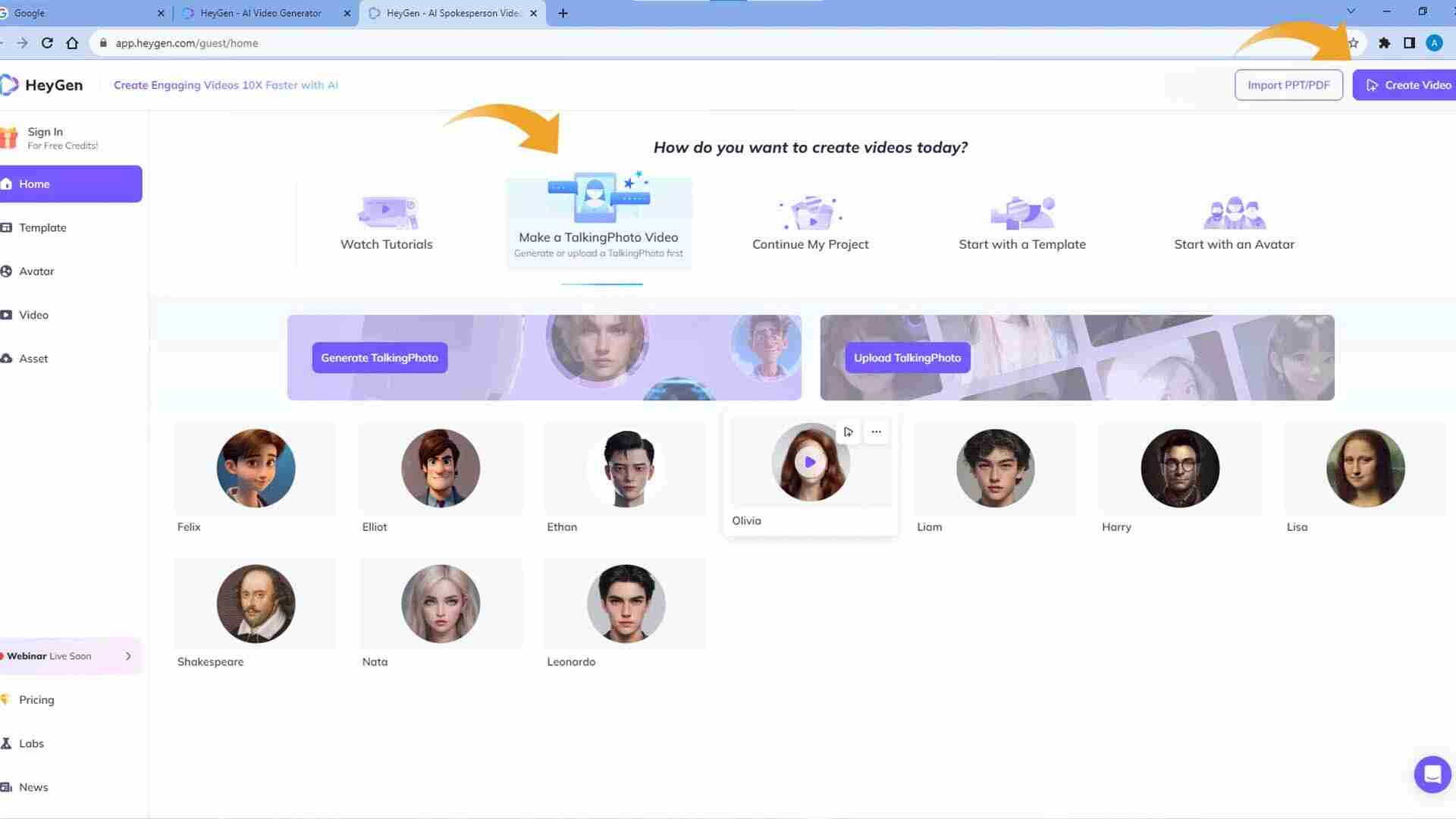
Once your character and voice are ready, it’s time to bring everything to life. You don’t need animation skills — just the right tool.
Use HeyGen (or similar):
- Upload your AI image
- Sync it with your voiceover
- Choose between portrait (9:16) or landscape (16:9) format
- Add basic expressions and gestures
- Keep it realistic but simple
Remember, subtle animations tend to perform better. Overdoing it can feel unnatural.

Step 5: Edit Like a Pro (Even if You’re Not One)
This is where the magic happens. Combine your visuals, audio, and effects into one smooth, scroll-stopping video.
Easy Editing Tools:
- CapCut – Free, mobile-friendly, ideal for beginners
- DaVinci Resolve – Powerful and free
- Adobe Premiere Pro – A must-learn if you’re serious about video editing
- Final Cut Pro – Mac-based but amazing
Must-Have Editing Elements:
- On-screen captions (use big, bold fonts)
- B-roll visuals or supporting images
- Smooth transitions and motion graphics
- Color correction or grading for mood
- Catchy, copyright-free background music
- Subtle effects like zoom-ins, highlights, and pattern interrupts
If you’re diving into a Premiere Pro tutorial or exploring Premiere Pro text effects, this is your playground.
Tips to Help Your AI Videos Go Viral
You’ve got the tools — now here’s how to make sure people actually see and engage with your content:
Strategy
- Post at least 3–5 times per week
- Study top videos in your niche — what’s working?
- Use trending audio or visual styles
- Engage with every comment — boost your reach
- Repurpose your video across multiple platforms
Technical Optimization
- Use platform-specific sizes (9:16 for Shorts/Reels)
- Design a thumbnail if uploading to YouTube
- Add subtitles (most people watch on mute)
- Compress for fast loading but retain high quality
Track and Grow
- Use analytics tools to track engagement and retention
- A/B test scripts, styles, and characters
- Ask for viewer feedback and adjust accordingly
- Keep a content calendar to stay consistent
Mistakes to Avoid
Even pros slip up sometimes. Here are common pitfalls to avoid:
- Over-complicating your story
- Using robotic or unclear voiceovers
- Ignoring basic video SEO
- Uploading without captions or thumbnails
- Copying other videos without adding your twist
Final Thoughts
Creating faceless AI videos isn’t just a trend — it’s a smart, scalable way to build a brand, teach a topic, or entertain an audience. Whether you’re still learning the After Effects basics, diving into a video editing tutorial for beginners, or exploring free editing project files download, the tools are accessible — and the creative possibilities are endless.
If you’re serious about learning how to edit videos for YouTube, this is your moment to try something that’s both innovative and beginner-friendly.
So go ahead — grab your script, design your character, bring it to life, and hit publish. Your next viral video might just be one upload away.