
CapCut for PC: Professional Video Editing Made Simple
Transform your raw footage into stunning videos with CapCut’s powerful PC version. Whether you’re a content creator, marketer, or hobbyist, this free video editor packs professional features that typically cost hundreds of dollars.
What Makes CapCut PC Special?
Unlike other free editors that limit features, CapCut PC offers:
- No watermarks on exports
- Full 4K resolution support
- Commercial use allowed
- Regular feature updates
- No hidden premium tiers
Who Is CapCut PC Perfect For?
Content Creators
- Edit long-form YouTube videos
- Create short-form content for TikTok/Reels
- Design engaging course materials
- Produce marketing videos
- Develop professional portfolios
Businesses
- Create product demonstrations
- Design social media content
- Develop training materials
- Edit promotional videos
- Craft customer testimonials
Students & Educators
- Create educational content
- Edit presentation videos
- Develop course materials
- Design video assignments
- Produce tutorial content
Detailed Feature Breakdown
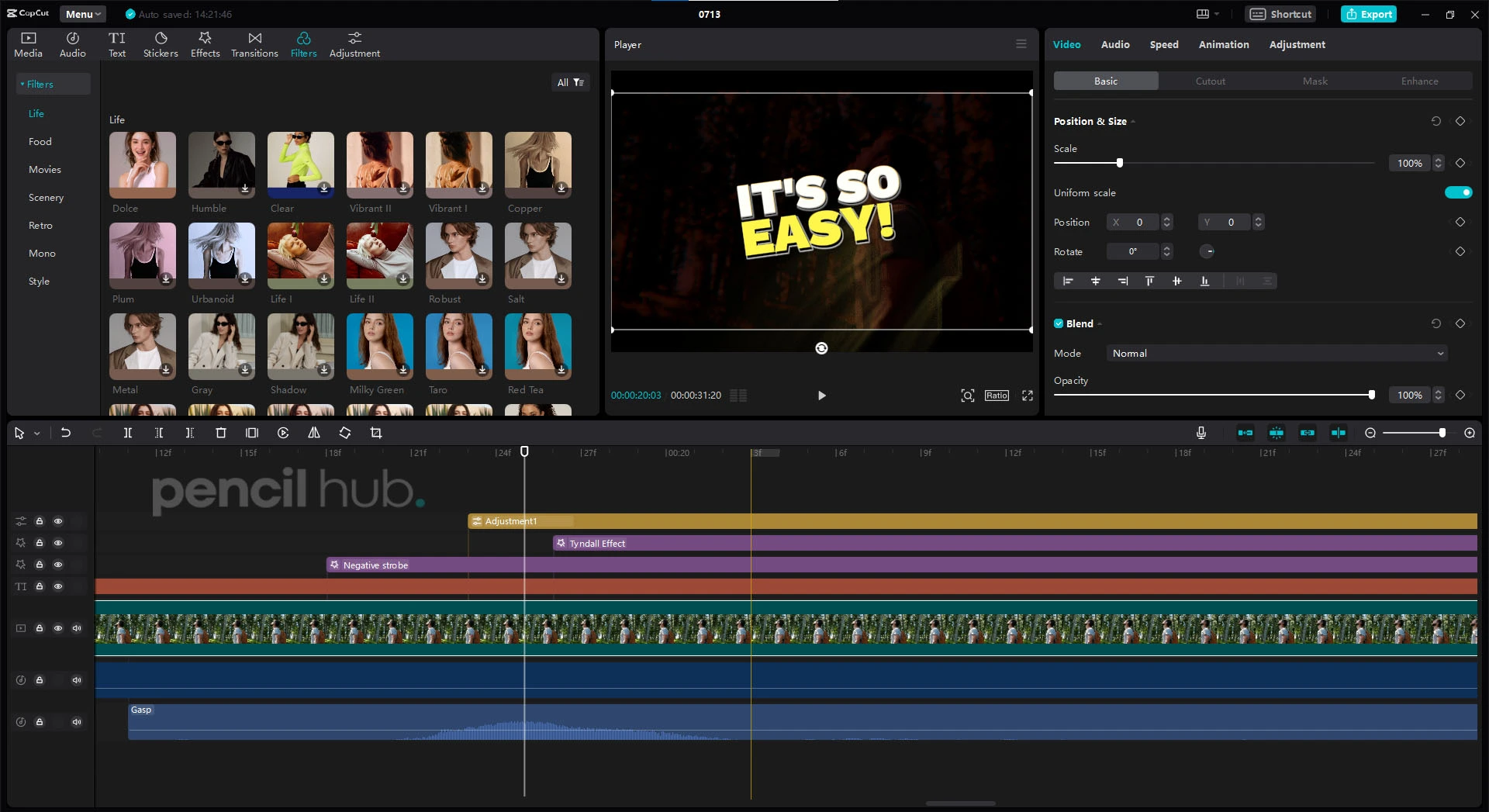
1. Revolutionary Interface Design
The workspace isn’t just beautiful—it’s intelligent:
- Customizable panels that adapt to your workflow
- Color-coded timeline for easy clip identification
- Smart snapping for precise editing
- Floating windows for multi-monitor setups
- Quick-access toolbar for frequent tools
- Resource monitor for performance optimization
2. Professional Editing Tools
Transform your footage with precision:
Video Enhancement
- AI-powered upscaling for low-res footage
- Smart contrast adjustment
- Automatic color correction
- Noise reduction
- Stabilization tools
Creative Effects
- Green screen compositing
- Motion tracking
- Split-screen layouts
- Picture-in-picture
- Dynamic transitions
- Blur effects
3. Advanced Color Grading
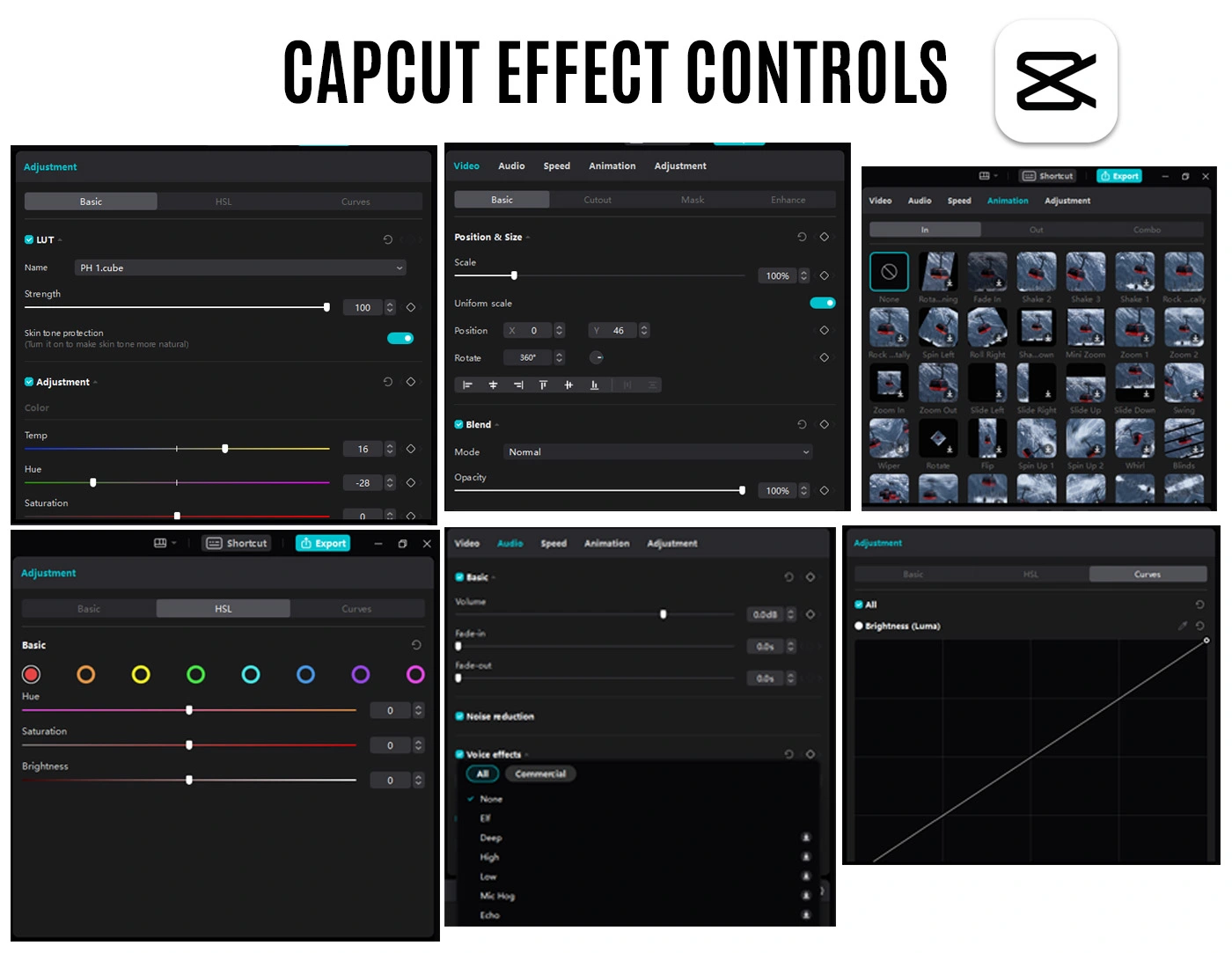
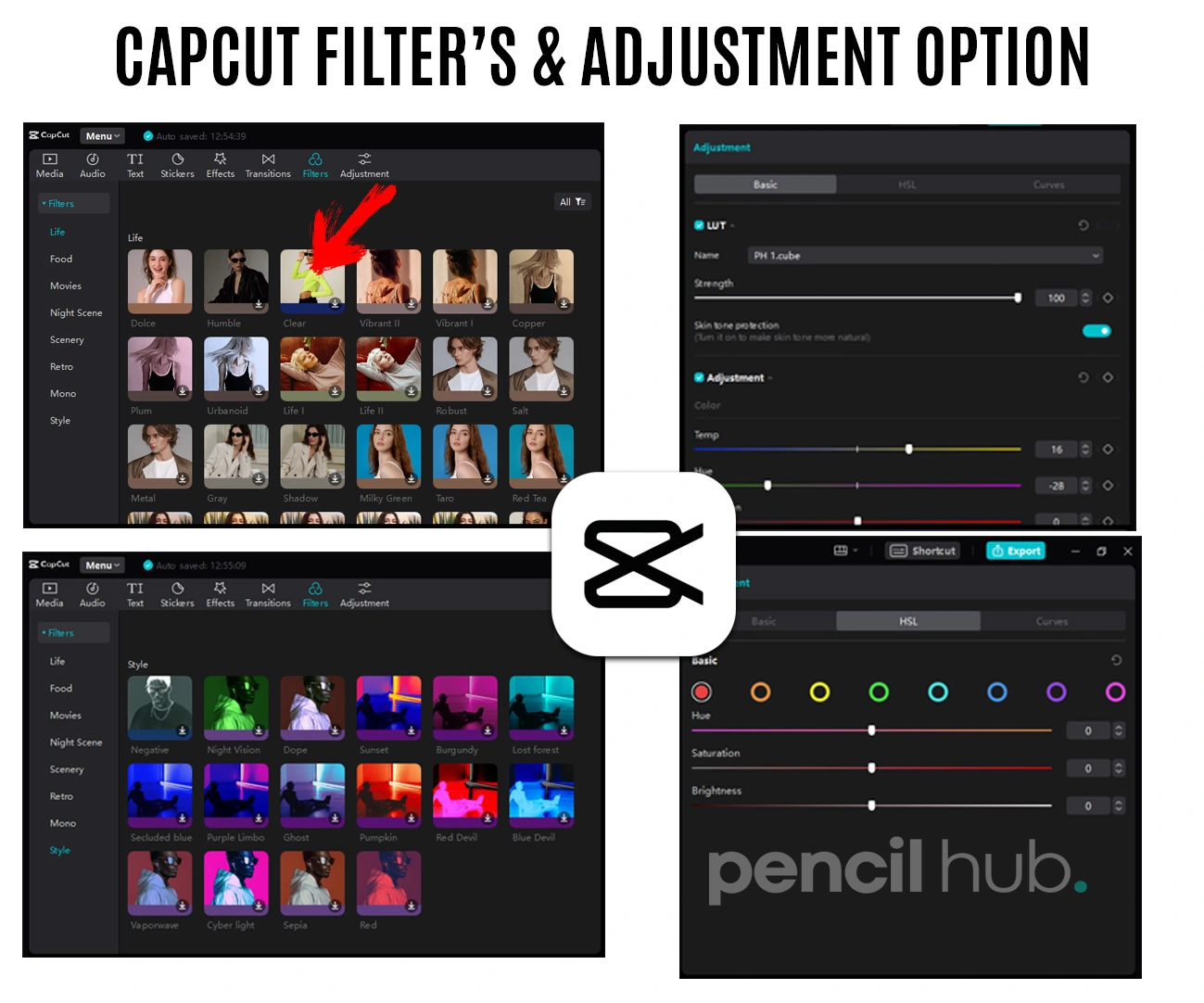
Create cinematic looks easily:
Professional Color Tools
- RGB curve adjustment
- HSL secondary correction
- Color matching between clips
- Exposure adjustment
- White balance correction
LUT Support
- Import custom LUTs
- Built-in cinematic presets
- Save your color grades
- Batch apply to multiple clips
- Export LUTs for consistency
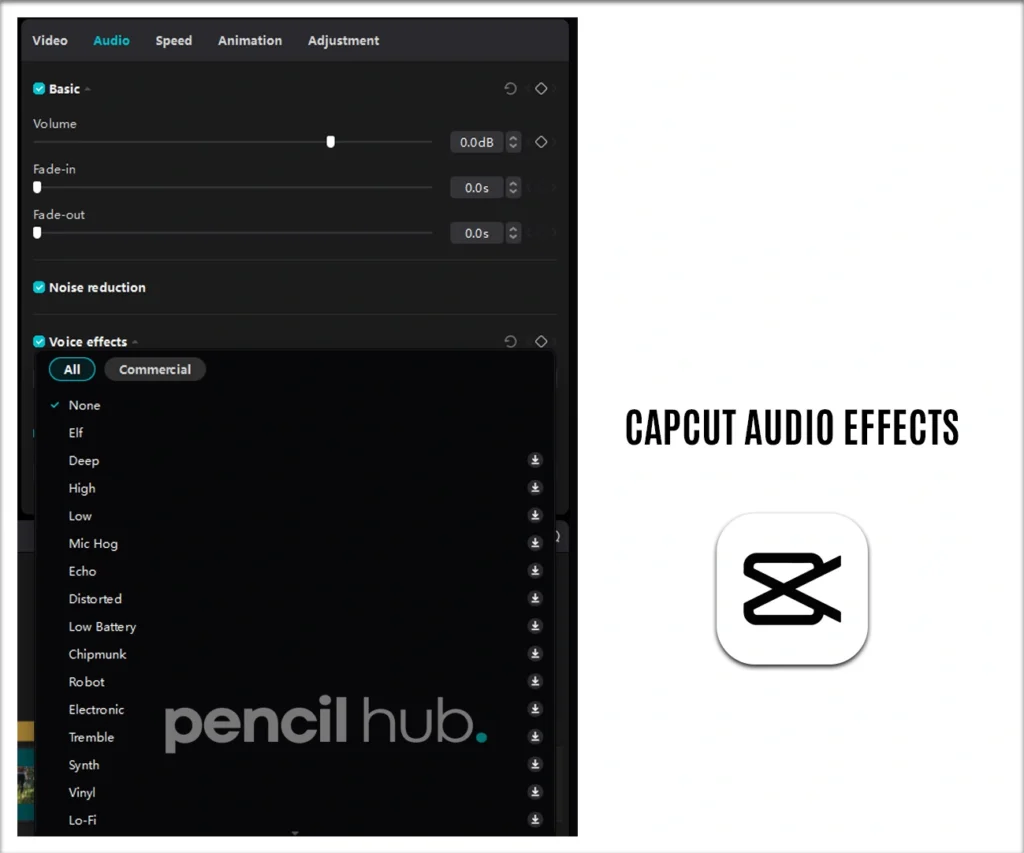
4. Audio Mastery Suite
Perfect your sound design:
Audio Enhancement
- Background noise removal
- Voice enhancement
- Audio normalization
- Echo reduction
- Bass boost
Music & Sound
- Royalty-free music library
- Sound effects collection
- Voice-over recording
- Multi-track mixing
- Audio visualization
System Requirements Explained
Why These Specs Matter:
Minimum Configuration (Smooth Basic Editing)
- Windows 10 64-bit: Ensures stability and modern feature support
- 8GB RAM: Handles multiple clips and basic effects
- Intel i5/AMD equivalent: Processes real-time previews
- 2GB storage: Accommodates program and basic projects
- DirectX 11: Powers smooth video playback
- Internet: Required for updates and resource downloads
Recommended Setup (Professional Workflow)
- Windows 11: Latest optimization and features
- 16GB RAM: Fluid 4K editing and complex effects
- Intel i7/AMD equivalent: Fast rendering and effects processing
- 4GB storage: Room for templates and resources
- Dedicated GPU: Accelerates effects and exports
- SSD storage: Faster project loading and preview
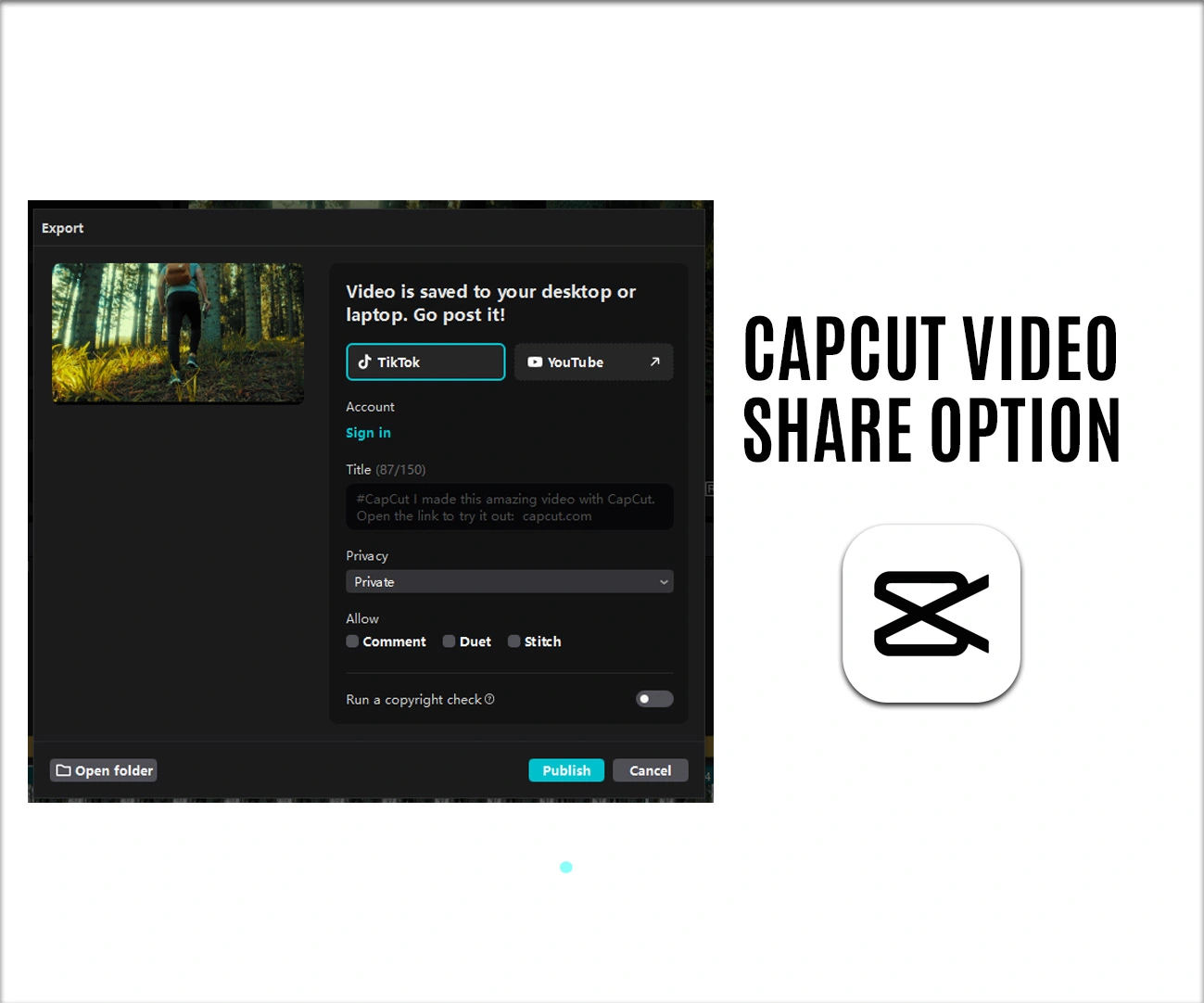
Export Options Detailed
Platform-Optimized Presets
Each preset is carefully tuned for:
YouTube
- 4K support (3840×2160)
- High bitrate options
- Chapter marker support
- Custom thumbnail export
- End screen compatibility
- Story format (1080×1920)
- Carousel post support
- IGTV optimization
- Reel-specific ratios
- Preview frame selection
TikTok
- Vertical optimization
- Music preservation
- Effect compatibility
- Text overlay support
- Trending format presets
Pro Editing Tips
Color Grading Workflow
- Start with exposure correction
- Balance whites and blacks
- Apply primary color correction
- Use LUTs for style
- Fine-tune with HSL
- Add vignette if needed
Audio Mixing Steps
- Clean up background noise
- Normalize voice tracks
- Add music at -12db
- Balance sound effects
- Add compression
- Master final output
Detailed PC vs Mobile Comparison
PC Advantages Explained
- Precision Timeline Control
- Frame-by-frame editing
- Multiple video tracks
- Nested sequences
- Custom keyboard shortcuts
- Enhanced Performance
- Faster rendering
- Better preview quality
- Multiple project support
- Background processing
Installation Guide
Step-by-Step Process
Download the latest version
- Use official website
- Enable VPN if needed
- Check file integrity
Installation
- Run as administrator
- Choose install location
- Select components
- Create desktop shortcut
First Launch
- Accept permissions
- Choose language
- Set up workspace
- Import media
Regular Updates
CapCut PC receives monthly updates including:
- New effects and transitions
- Performance improvements
- Bug fixes
- Feature enhancements
- Template additions
Troubleshooting Common Issues
Quick Fixes for:
- Slow performance
- Export errors
- Audio sync issues
- Effect glitches
- Import problems
Remember: CapCut PC is completely free, but using a VPN during installation is recommended for smooth setup in certain regions.